Owner / manager
Organise appointments in the calendar
Create events and find them in the correct period.
Where to go : Owner workspace → Calendar
Before you start
Check participants, dates and times before saving an appointment.
Available actions depend on your role, plan and the record’s current state. This manual explains how to use the product; legal topics are covered in the resource centre.
Step by step
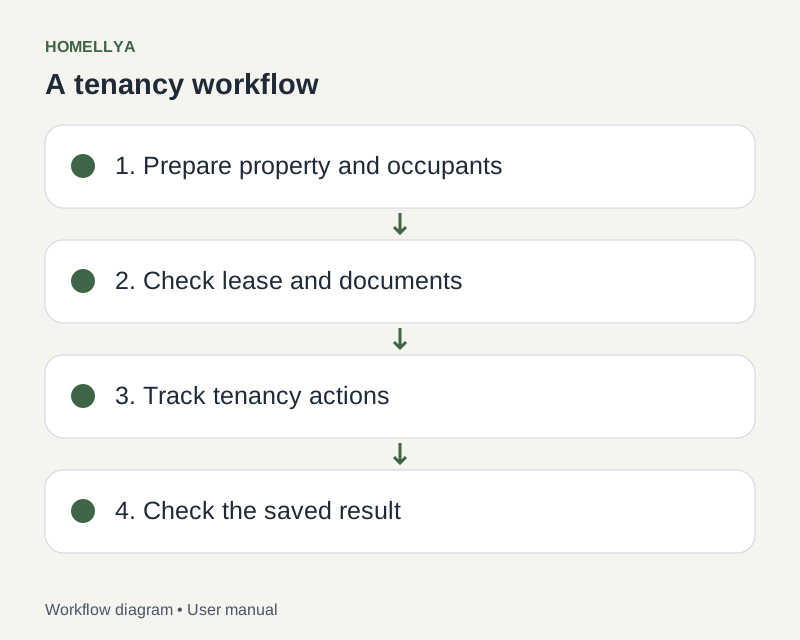
Open Calendar and select the offered period or view to find the relevant date.
Create an event with a clear title and suitable type. Enter dates, times and available supporting fields.
If a property or other context can be linked, select the correct record before saving.
Save, then reopen the event from the calendar to check its details.
For rescheduling or cancellation, use the available edit or delete action and confirm. Separately check that the people involved have been informed.
Check the result
The appointment appears on the intended date in your scoped calendar.
If something goes wrong
Cannot find an event? Check period, organisation and filters. If the module is unavailable, check your plan’s features.