Owner / manager
Handle a tenant request in a ticket
Keep the issue, attachments and replies in one conversation.
Where to go : Owner workspace → Tickets
Before you start
Identify the property and requester before replying.
Available actions depend on your role, plan and the record’s current state. This manual explains how to use the product; legal topics are covered in the resource centre.
Step by step
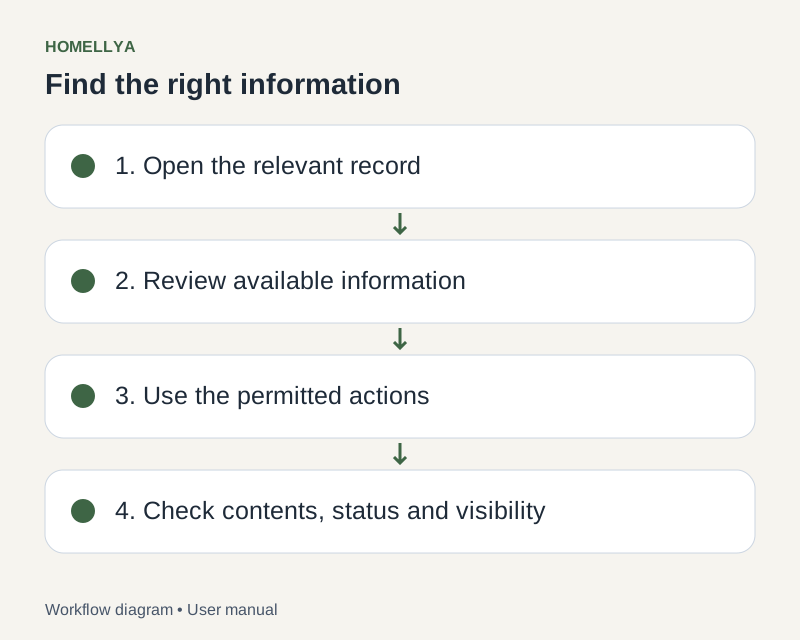
Open Tickets and filter the list to find requests needing attention. Open the relevant ticket.
Read its description and existing messages. Review attachments before requesting more information.
Reply in the thread with a concrete next step and attach useful files where available.
Update the status to reflect real progress. Sending a reply does not necessarily mean the issue is resolved.
Close the ticket when handling is complete; reopen it if that action is offered and the issue needs further work.
Check the result
The conversation and handling status remain together in the ticket.
If something goes wrong
A ticket does not replace contacting emergency services or an appropriate professional in a dangerous situation. For help using Homellya, use the website support contact.