Tenant
Review an inspection and submit feedback
Save observations, then submit them within the displayed deadline.
Where to go : Review invitation; tenant space → Lease → Inspections
Before you start
Check the property, inspection type, version and deadline.
Available actions depend on your role, plan and the record’s current state. This manual explains how to use the product; legal topics are covered in the resource centre.
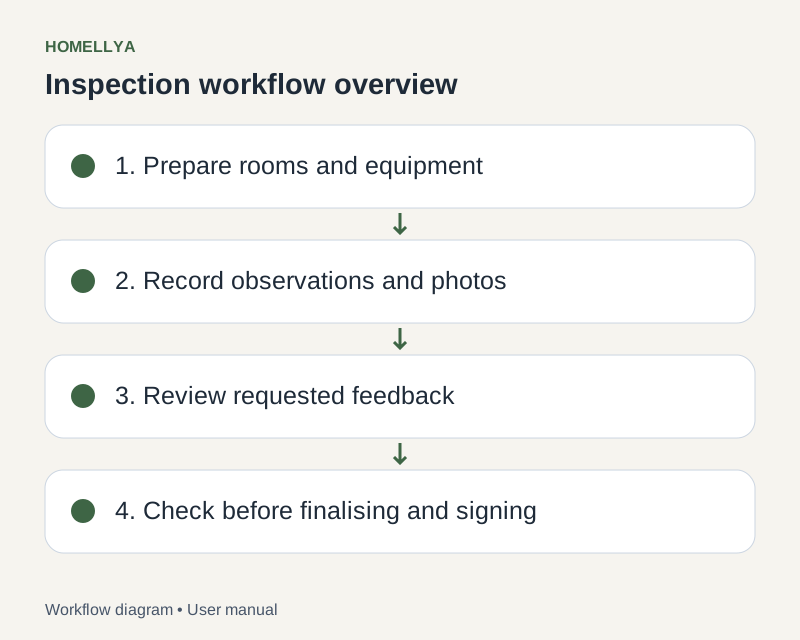
Step by step
Open the invitation or review available in your lease. Do not share the access link.
Read every room, equipment item, comment and photo and compare them with your observations.
For relevant items, indicate agreement or disagreement and supply proposed condition, comments and useful photos where offered.
Use saving to keep progress. Saving alone does not submit your review.
Check your answers and confirm submission before the displayed deadline. Then view available follow-up and decisions.
Any later signature is a separate step: read the document presented in the signing request.
Check the result
Your feedback is submitted when confirmed, including the comments you approved.
If something goes wrong
If the deadline has passed or the review is locked, contact the owner. Do not modify another record to bypass the restriction.