Owner / manager
Create a task and track progress
Turn an action into a tracked item through completion.
Where to go : Owner workspace → Tasks
Before you start
Identify the action, context and any deadline.
Available actions depend on your role, plan and the record’s current state. This manual explains how to use the product; legal topics are covered in the resource centre.
Step by step
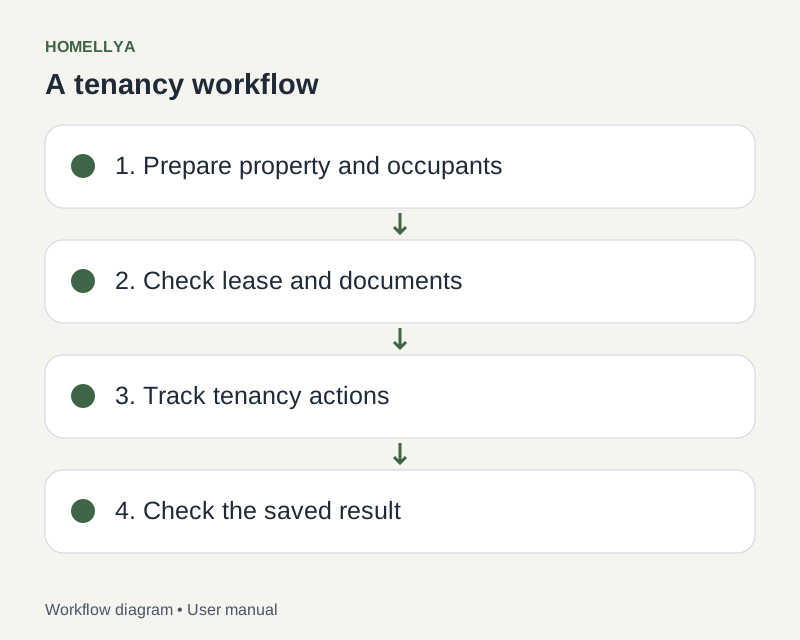
Open Tasks and check filters before adding an action that may already exist.
Create a task with a title describing the intended outcome. Fill in description, due date and other available fields.
Save and open the task to check its contents and status.
Add useful comments and change the status as work actually progresses.
When done, use the offered completion status. Completing a reminder task does not prove the related payment or signature is complete.
Check the result
The task describes a specific action and its state shows what remains to be done.
If something goes wrong
Missing task? Check status filters and organisation. For a tenant issue involving conversation, use the related ticket instead.