All users
Sign a document you received
Read the document and complete checks without sharing your invitation.
Where to go : Signature invitation; owner or tenant space → pending signature
Before you start
Use your own invitation and keep access to the verification-code delivery channel.
Available actions depend on your role, plan and the record’s current state. This manual explains how to use the product; legal topics are covered in the resource centre.
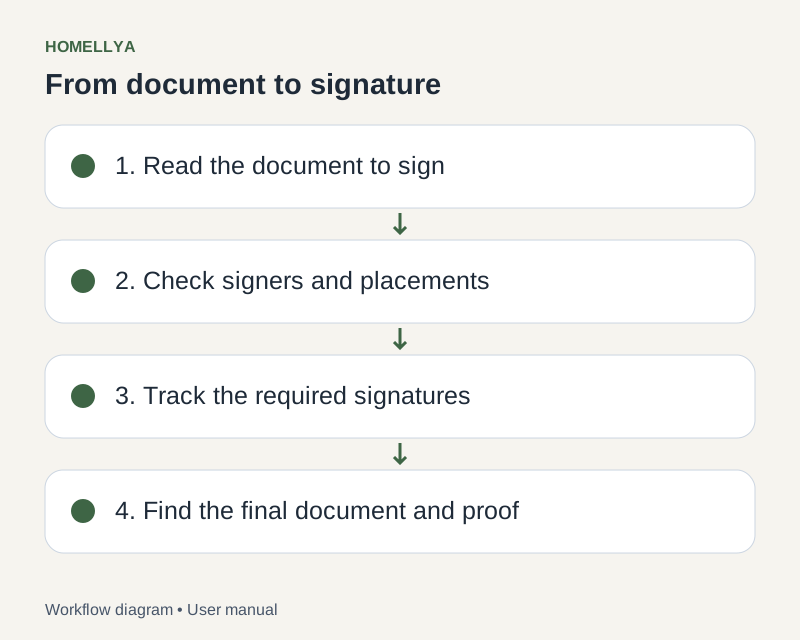
Step by step
Open your invitation or pending request in your space. Check the document name and your identity.
Read the entire document before continuing. If something is wrong, contact the requester rather than signing just to progress.
Complete code verification when requested. Never share the code.
Read the terms and consents, then personally perform the offered signing action.
Wait for confirmation. Other participants may still need to sign before the final document is available.
Check the result
Your signature is recorded when confirmed; the follow-up shows the document’s overall status.
If something goes wrong
An expired link, cancelled request or signer order not yet reached may prevent signing. Send the displayed error to the requester without forwarding the secret link.