Owner / manager
Prepare a contract or import an already signed lease
Choose the workflow matching the document you have.
Where to go : Lease → Contract
Before you start
Check the lease and occupants before selecting the contract document.
Available actions depend on your role, plan and the record’s current state. This manual explains how to use the product; legal topics are covered in the resource centre.
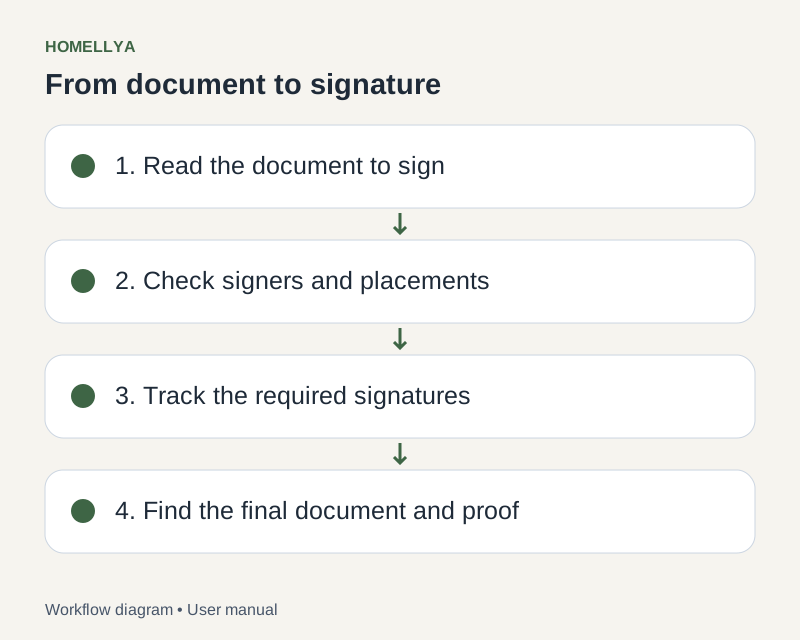
Step by step
Open the lease contract and distinguish preparing a signature request from importing an already signed document.
For a new signing process, select the PDF to sign and prepare its participants.
For an already signed lease, use that dedicated flow. Upload the signed PDF and supply the requested signer information.
Check the document, page count and lease association before final confirmation.
Find the contract in the lease follow-up. Importing an already signed document does not mean Homellya performed or retrospectively verified its original signing.
Check the result
The lease references the correct contract with a workflow matching its situation.
If something goes wrong
Wrong mode selected? Go back before confirming. If the document is already committed, use the permitted actions instead of silently replacing it.