Owner / manager
Handle tenant feedback on an inspection
Read submitted feedback and record decisions in review follow-up.
Where to go : Lease → Inspection → tenant review follow-up
Before you start
An inspection must have been sent for review. Distinguish saved feedback from submitted feedback.
Available actions depend on your role, plan and the record’s current state. This manual explains how to use the product; legal topics are covered in the resource centre.
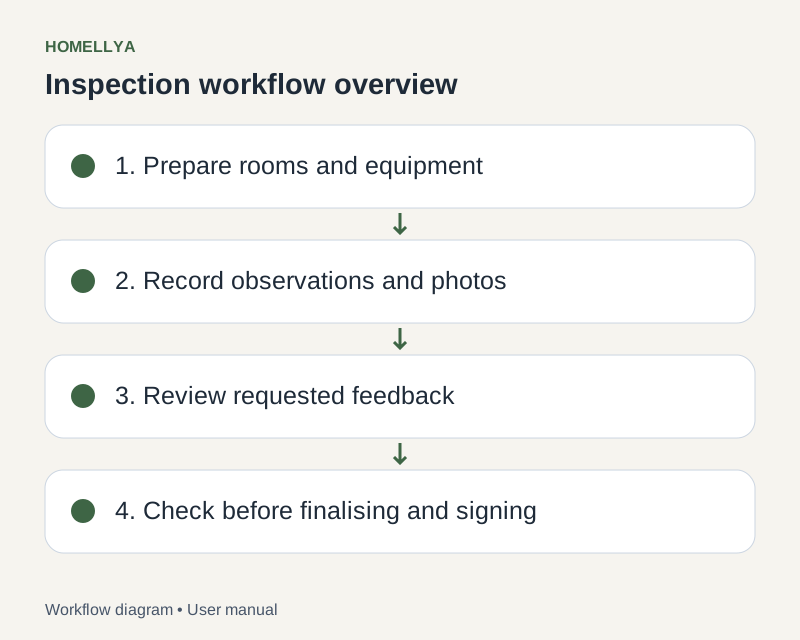
Step by step
Open review follow-up for the relevant inspection and check tenant, version and displayed deadlines.
Read agreements, disagreements, proposed conditions, comments and photos for each item.
Use the offered decisions for each comment and provide any requested explanation.
Check that decisions were saved and identify items still awaiting action.
Review the version intended for finalisation or signing after processing feedback. Tenant feedback does not automatically change the document.
Check the result
The follow-up retains feedback and its handling before the next stages.
If something goes wrong
If feedback is missing, check that the tenant submitted it rather than only saving it. Do not use their invitation to reply on their behalf.