Tenant
View your lease, rent and receipts
Find tenancy information and documents actually available to you.
Where to go : Tenant space → Lease
Before you start
Your account must be linked to the lease by the owner or manager.
Available actions depend on your role, plan and the record’s current state. This manual explains how to use the product; legal topics are covered in the resource centre.
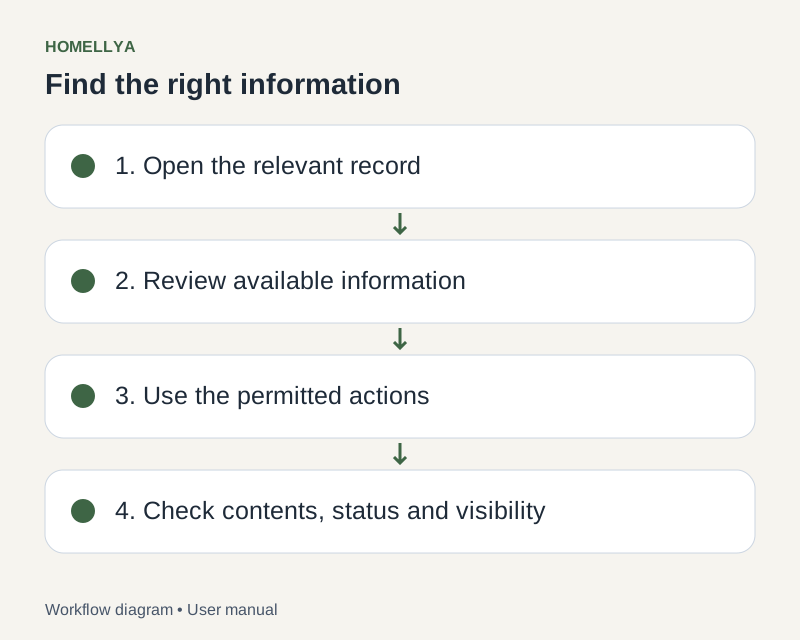
Step by step
Open Lease and select the correct tenancy if several are available.
Review the property, dates and financial terms. Report discrepancies to the owner.
Open rent and document sections to view dues and recorded amounts.
Download the receipt when available for the required period. A partial or unrecorded payment may explain a missing receipt.
Review available deposit information and contracts. Open signing requests only when addressed to you.
Check the result
You can find published tenancy information without modifying the owner’s payment records.
If something goes wrong
Payment missing from follow-up? Contact the owner with its date and reference. The portal does not let you independently mark a due as fully paid.