All users
Read legal documents and your acceptances
Find applicable terms and distinguish acceptance from signing a lease.
Where to go : User menu → Legal documents
Before you start
Use your personal account for any acceptance.
Available actions depend on your role, plan and the record’s current state. This manual explains how to use the product; legal topics are covered in the resource centre.
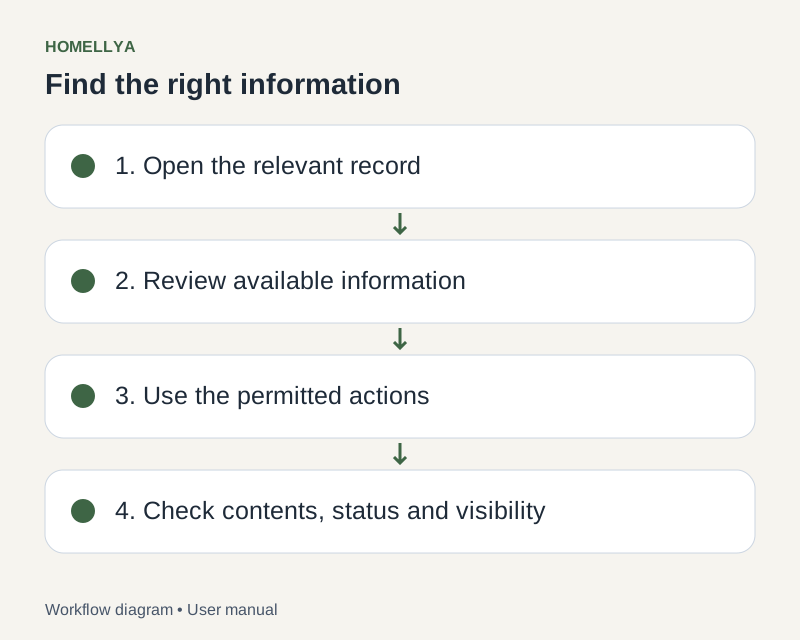
Step by step
Open Legal documents in your space to view available terms.
Read the document and check the displayed version before accepting.
If acceptance is required, use the provided action after reading. Do not confirm on behalf of another user.
Review available acceptance history to find recorded versions.
To sign a lease or inspection, use its dedicated request: accepting platform terms does not sign that document.
Check the result
You can distinguish viewed terms, recorded acceptances and business signatures.
If something goes wrong
If a required acceptance blocks a step, open the requested terms and check confirmation. Contact support if the issue persists.