Owner / manager
Create a tenant record and invite the person
Distinguish tenant contact details from portal access.
Where to go : Owner workspace → Tenants
Before you start
Prepare accurate identity details, including the required date of birth.
Available actions depend on your role, plan and the record’s current state. This manual explains how to use the product; legal topics are covered in the resource centre.
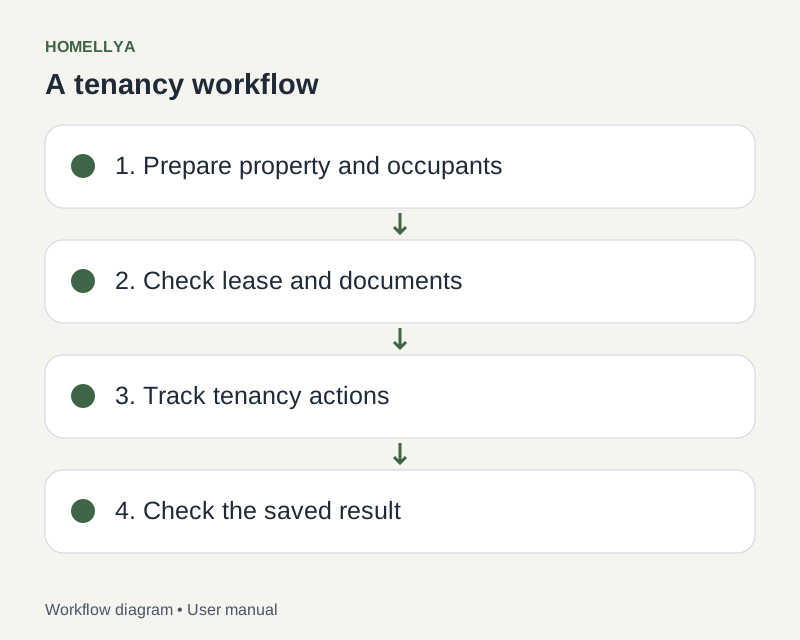
Step by step
Open Tenants and start a new record. Complete required fields and check the email address.
Save and review the record. Search for an existing person before creating another one.
Link the tenant to the appropriate lease. For shared housing, check each occupant and their own details.
Use the available invitation or linking action to provide portal access. Creating a record alone does not prove an invitation was accepted.
Check the link status before sending documents. If contact details change, update the record and verify recipients for new requests.
Check the result
The record is linked to the tenancy and portal access can be tracked separately.
If something goes wrong
Invitation linked to the wrong account? Verify the email with the tenant before sending again; do not share your owner account.