Tenant
View your dossier and manage personal documents
Distinguish the read-only dossier, lease files and personal storage.
Where to go : Tenant space → Dossier; Lease → personal documents
Before you start
Prepare supporting documents and check limits shown in the upload screen.
Available actions depend on your role, plan and the record’s current state. This manual explains how to use the product; legal topics are covered in the resource centre.
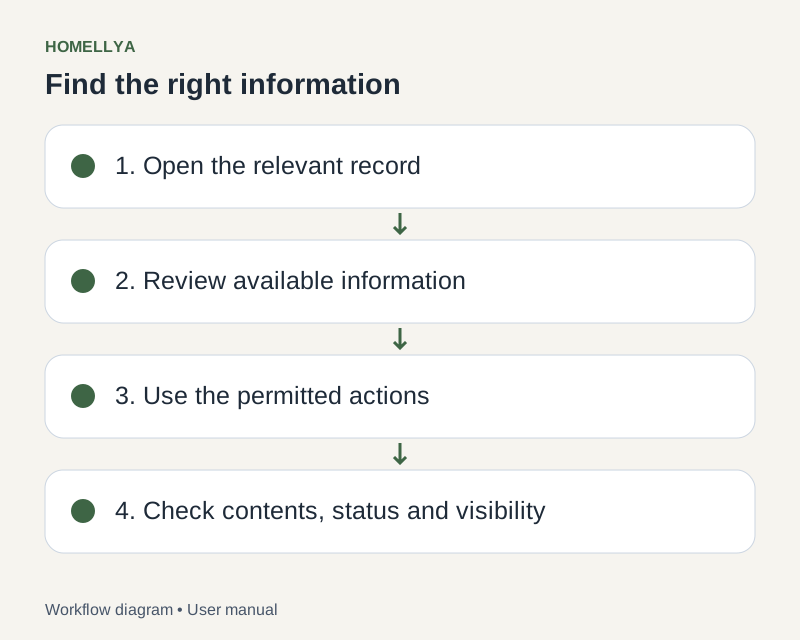
Step by step
Open Dossier to view the documents displayed there. This page is read-only: it does not provide an upload action.
For lease documents, open Lease and its relevant section. Owner-shared files have their own access permissions.
For personal storage, use the lease personal-documents section. Select an accepted PDF and enter the requested details.
Check the upload result and displayed quota. Download the file to verify readability, and use permitted actions to rename or delete it.
If you use DossierFacile, its link opens an external service. It does not mean documents are automatically imported or synchronised into Homellya.
Check the result
You know where to read shared documents and where to manage permitted personal files.
If something goes wrong
Upload refused? Read the displayed type, size and quota limits. For a missing shared document, contact the owner rather than uploading a personal duplicate.