All users
Read notifications and adjust preferences
Find reported events and check which actions still need attention.
Where to go : Your space → Notifications; Profile → Preferences
Before you start
Sign in with the account addressed by the notification.
Available actions depend on your role, plan and the record’s current state. This manual explains how to use the product; legal topics are covered in the resource centre.
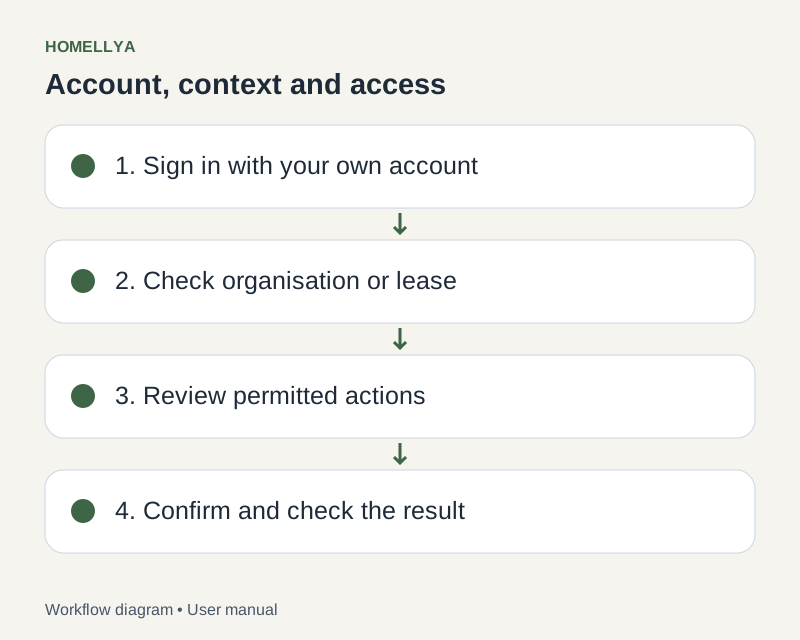
Step by step
Open Notifications and find unread items. Content depends on your account and access.
Open a notification to view its related record where a link is available.
Check the expected action and current state in that record. An old notification may relate to something already handled.
Use available individual or batch read actions. Marking as read does not complete the business action.
In Profile, adjust communication preferences and save. They do not grant new record permissions.
Check the result
You can distinguish read messages from completed business actions.
If something goes wrong
Link no longer opens? The record may have been removed or access changed. Refresh and contact your manager if needed.