All users
Sign in and recover access
Choose your sign-in method and recover access without creating another account.
Where to go : Website → Sign in
Before you start
Use the address linked to your account or invitation.
Available actions depend on your role, plan and the record’s current state. This manual explains how to use the product; legal topics are covered in the resource centre.
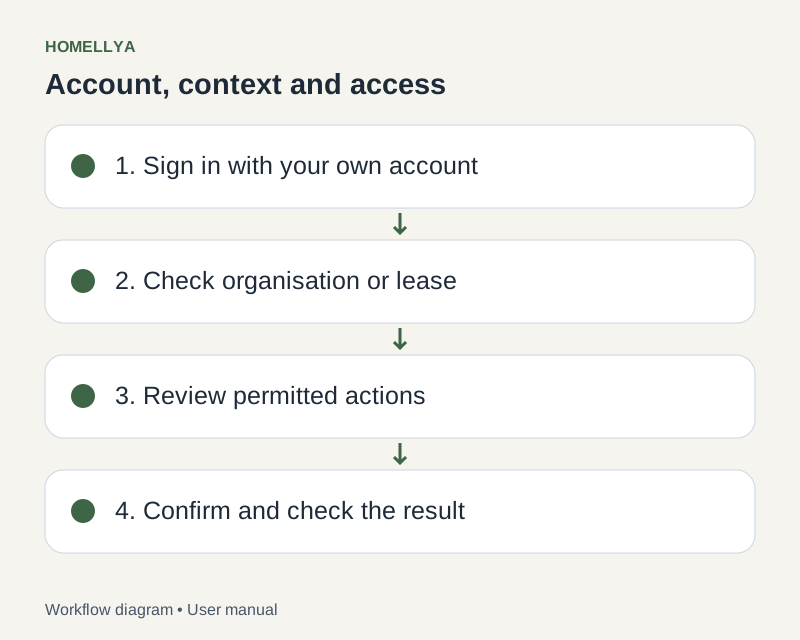
Step by step
Open Sign in and enter your email and password.
For Google or Microsoft sign-in, choose the available provider matching the account used at registration.
If email-link sign-in is enabled for your account, request a link and open the latest message. It grants account access: do not forward it.
If two-factor authentication is enabled, enter the requested code or use your recovery code where offered.
If you forgot your password, start a reset from the sign-in page and follow the email instructions.
Check the result
After signing in, you can access your workspace and the records your account is allowed to view.
If something goes wrong
Check spam and the email address entered. Request a new link if it expired. Never send passwords, temporary codes or sign-in links to support.