Owner / manager
Organisations, members and access rights
Work in the right scope and give each member the access they need.
Where to go : Organisation switcher; user menu → Organisation / Members
Before you start
Managing members requires permission. Prepare the exact email address to invite.
Available actions depend on your role, plan and the record’s current state. This manual explains how to use the product; legal topics are covered in the resource centre.
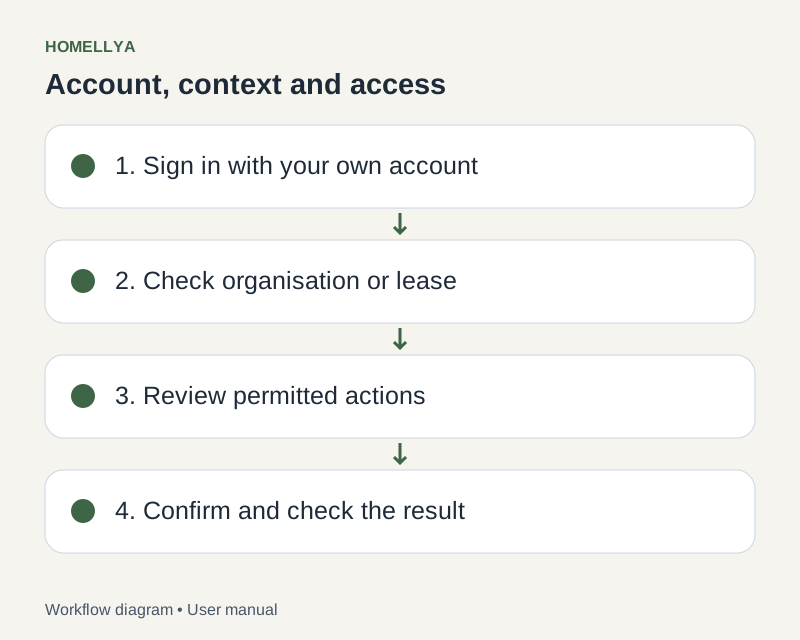
Step by step
Before editing a record, check the current organisation in the switcher. Switching reloads a different set of records.
In Organisation, review the available details and preferences. Save only the settings relevant to your work.
In Members, invite someone by email with an appropriate role. They must complete the invitation acceptance flow.
To adjust access, open the member record and choose from the available roles. Read-only access does not allow editing actions.
Before removing a member, check their identity and confirm. Leaving a modified form may require confirmation that changes will be discarded.
Check the result
Members work in the intended organisation with the expected permissions.
If something goes wrong
A record seems missing after switching? Return to its organisation and check permissions before creating a duplicate.