All users
Use Homellya on mobile
Find owner and tenant workflows while accounting for the installed app version.
Where to go : Mobile app → sign in → owner or tenant space
Before you start
Install the latest distributed release. Some capabilities require a binary update, not only remotely delivered content.
Available actions depend on your role, plan and the record’s current state. This manual explains how to use the product; legal topics are covered in the resource centre.
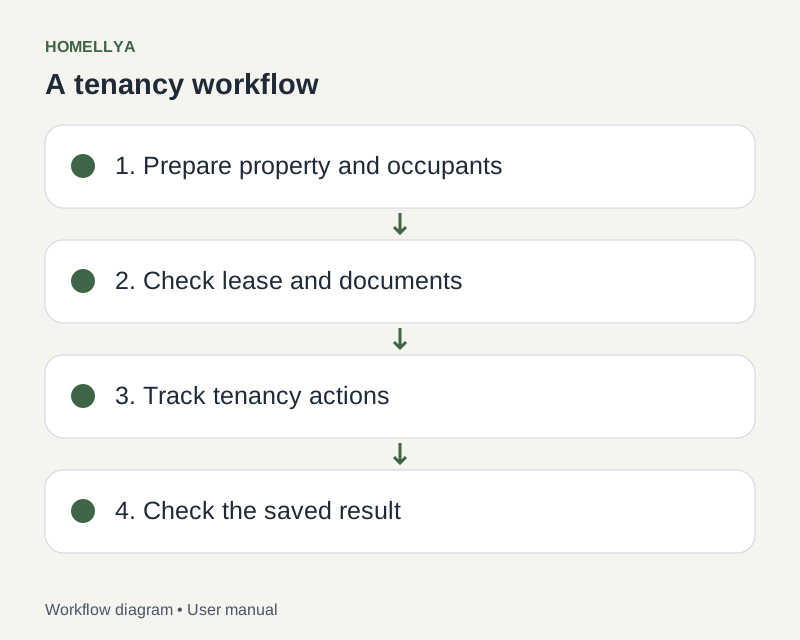
Step by step
Sign in with your usual account and check the selected organisation or lease. Web and mobile sign-in sessions are separate.
Use your space’s modules to find properties, tenancies, documents and permitted actions. Administration and public pages are not equivalent native modules.
For photos, choose gallery or camera where offered and grant only necessary permissions.
For PDFs or signing, use actions available in your version. If signature placement is unsupported, continue on the web instead of placing an approximate box.
Stay connected to save actions. After a connection loss, check the record before repeating a payment entry or request: there is no guaranteed offline write queue.
Check the result
You use account data through the available mobile workflows without assuming every screen matches the web.
If something goes wrong
Missing an action? Check the installed version, plan and permissions. Tell support the phone OS, app version and displayed message.