Tenant
Report an issue and track replies
Describe a property-related request in a dedicated ticket.
Where to go : Tenant space → Tickets
Before you start
In immediate danger, first contact the appropriate emergency services or professionals.
Available actions depend on your role, plan and the record’s current state. This manual explains how to use the product; legal topics are covered in the resource centre.
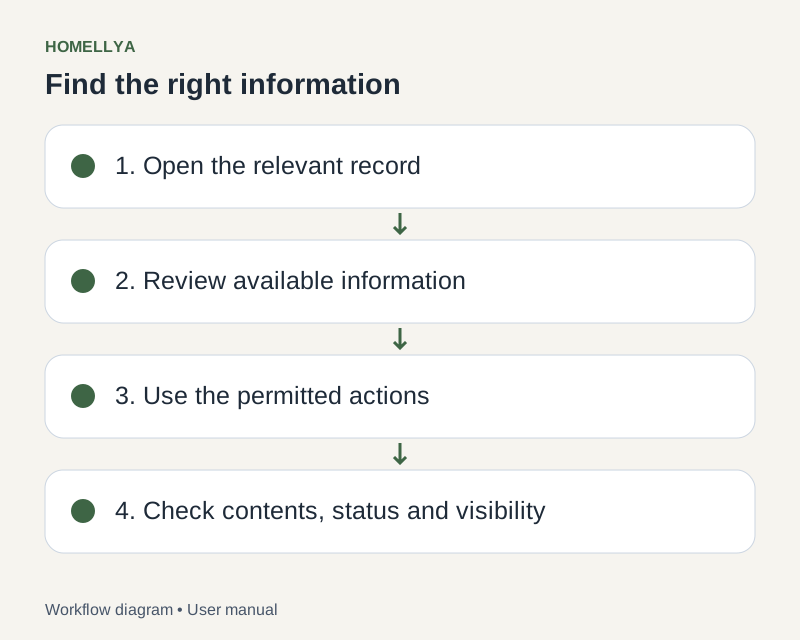
Step by step
Open Tickets and check whether a request already exists for the same issue.
Create a ticket with a clear title, context and factual description: location, date and observed symptoms.
Add useful attachments where available. Avoid personal information unrelated to the issue.
Save and check that the ticket appears. Return to its conversation to read and send replies.
Check the status to follow handling. If the issue persists, reply in the existing ticket rather than creating identical requests.
Check the result
The owner or manager has a contextualised request and you can follow the conversation.
If something goes wrong
A tenancy ticket concerns the property. For sign-in or Homellya usage issues, use the website support contact.