Owner / manager
Get started as an owner
Set up your first tenancy, from the property to monthly follow-up.
Where to go : Owner workspace → Home
Before you start
Prepare the property address, occupants’ details and lease amounts.
Available actions depend on your role, plan and the record’s current state. This manual explains how to use the product; legal topics are covered in the resource centre.
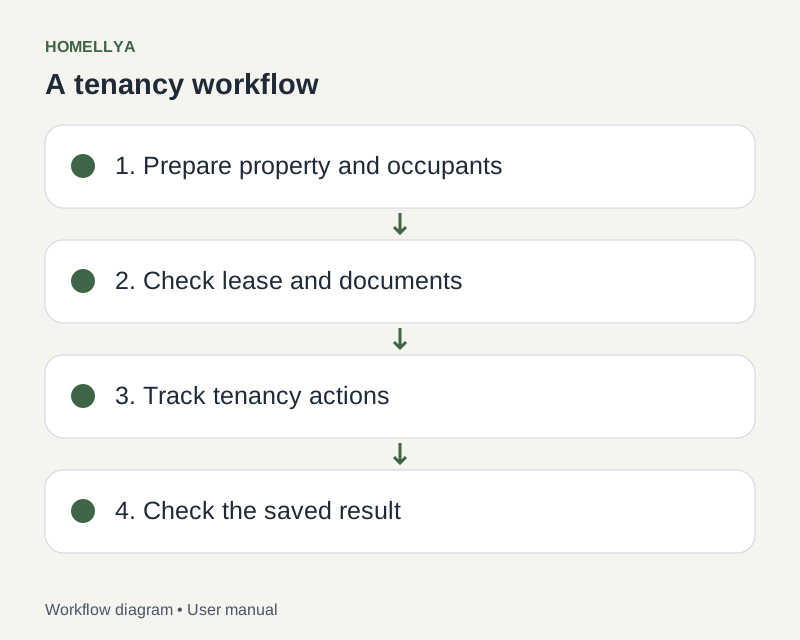
Step by step
Sign in with your owner account. Check the selected organisation: properties and documents belong to that scope.
Open Properties and create the property. Complete its details before preparing rooms and equipment.
Open Tenants and create the occupants’ records. A business record and a signed-in user account are different things.
Create a lease linking the property and occupants, then check dates, rent and charges.
Prepare the contract and inspection. After move-in, use rent dues to record payments actually received.
Check the result
You have a property, occupants and a lease that provide the starting point for documents and rent tracking.
If something goes wrong
Missing a menu or action? Check your membership role and plan features before creating duplicate records.