Owner / manager
Track a security deposit and its return
Record actual operations and find available certificates.
Where to go : Lease → Security deposit
Before you start
Check the agreed amount and evidence of funds received or returned.
Available actions depend on your role, plan and the record’s current state. This manual explains how to use the product; legal topics are covered in the resource centre.
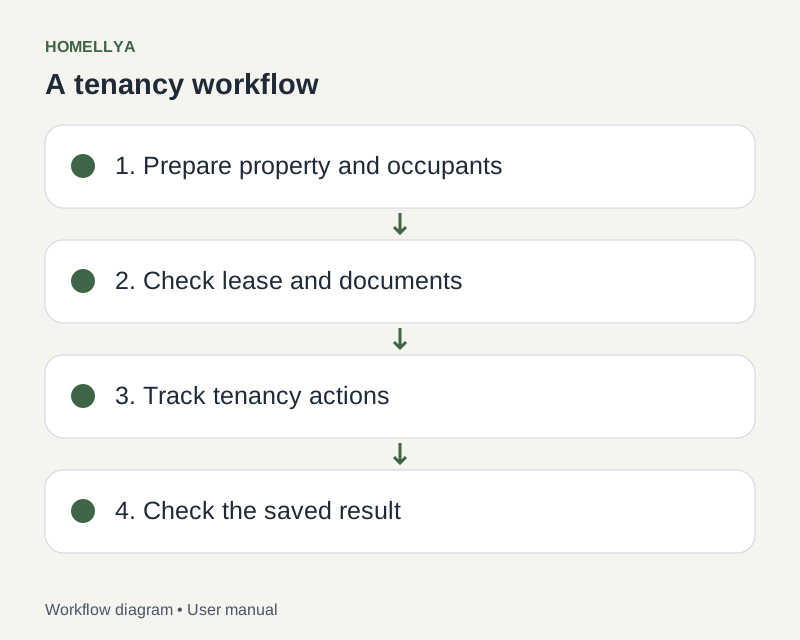
Step by step
Open the lease security deposit and check the expected amount and person concerned.
Use the available recording or receipt action for money actually received.
Check the summary, then generate or download the available certificate.
When returning the deposit, enter the operation and requested details matching the actual refund.
Review follow-up after saving. Recording an operation in Homellya does not itself trigger a bank transfer.
Check the result
Deposit operations and available certificates are grouped in the lease.
If something goes wrong
Before re-entering an operation after a network error, check whether it was already recorded. For legal return rules, consult the resource centre or suitable advice.