Owner / manager
Create and edit a property
Build the property record used throughout the tenancy.
Where to go : Owner workspace → Properties
Before you start
Check the selected organisation and the property details.
Available actions depend on your role, plan and the record’s current state. This manual explains how to use the product; legal topics are covered in the resource centre.
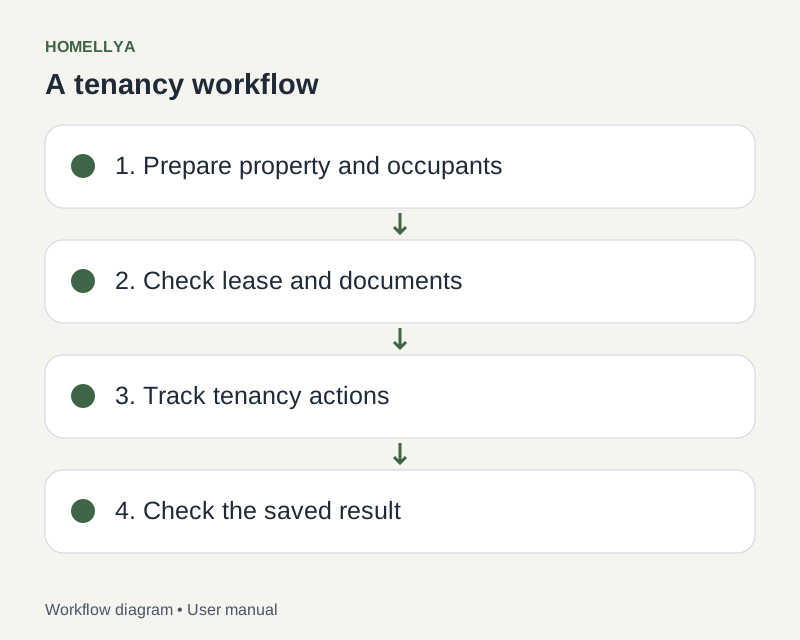
Step by step
Open Properties and choose the create action. Fill in required fields, including property type and address.
Complete known characteristics such as floor area. Do not invent values to bypass validation.
Save, then open the new record to check it. Use editing to correct a field.
Prepare rooms and equipment from the property. Add photos and documents in their dedicated sections.
Record periods of unavailability when relevant. Before deletion, read the confirmation and check links to existing tenancies.
Check the result
The property is identifiable and ready to link to a lease.
If something goes wrong
If the property is missing, clear filters and check the organisation. If an action is refused, check permissions and plan limits.