Owner / manager
Create a lease and manage its occupants
Check scope, dates and amounts before preparing documents and payments.
Where to go : Tenants → tenancy / lease record
Before you start
Create the property and tenant records first.
Available actions depend on your role, plan and the record’s current state. This manual explains how to use the product; legal topics are covered in the resource centre.
Step by step
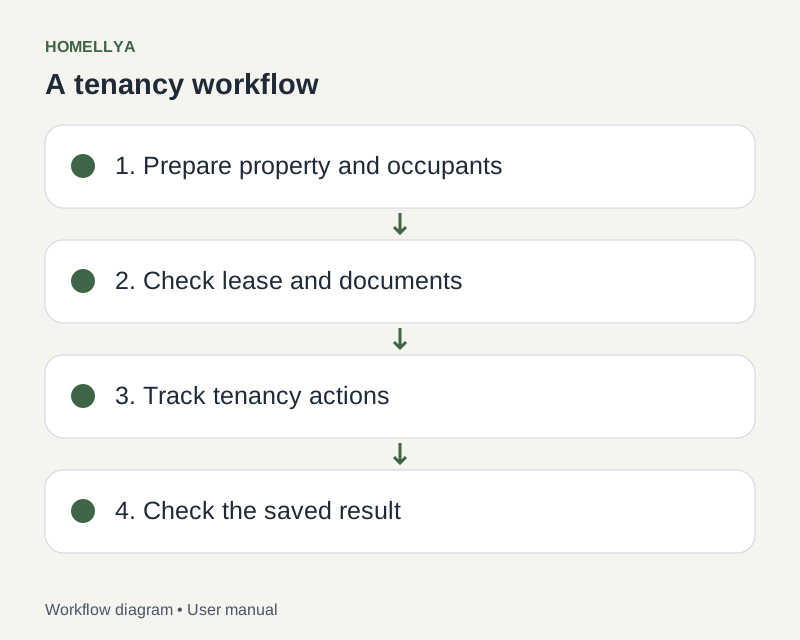
Open lease management and create the lease for the relevant property. Check tenancy type and rented scope.
Enter dates and financial terms: rent, charges, due date and deposit as offered in the form.
Add occupants and check individual details. In shared housing, distinguish lease-level settings from occupant-level settings.
Save the draft and review its summary before preparing the contract, documents or inspection.
Use the offered status changes after reading their confirmation. A deletable draft and a lease already in a signature process have different editing rules.
Check the result
The lease brings together the property, occupants and terms used by the follow-up screens.
If something goes wrong
If signing or finalisation makes an edit incompatible, refresh to view the current state. Do not try to bypass the lock.