Owner / manager
Prepare rooms, equipment and finishes
Describe the property before preparing an inspection.
Where to go : Properties → property record → rooms
Before you start
Create the property first and prepare a room-by-room inventory.
Available actions depend on your role, plan and the record’s current state. This manual explains how to use the product; legal topics are covered in the resource centre.
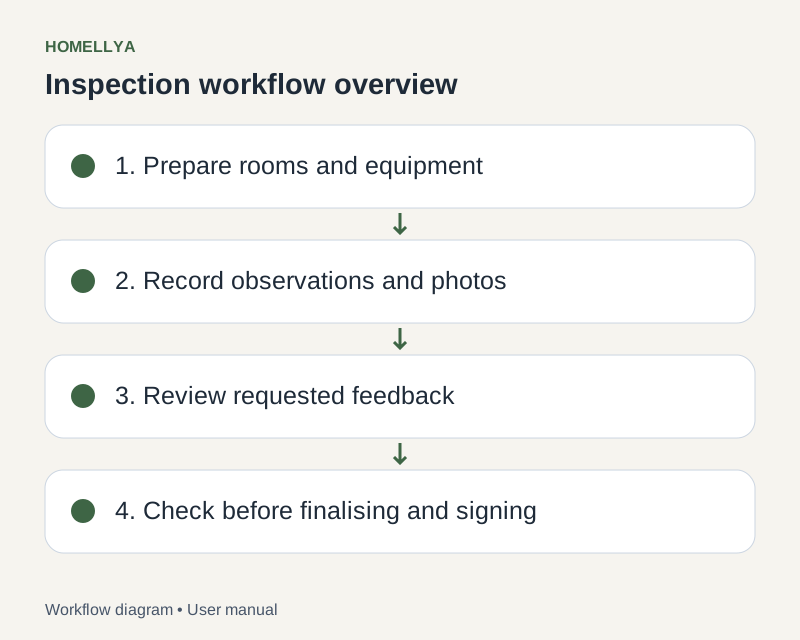
Step by step
Open the property and its rooms section. Add a room with a type and a recognisable name.
If catalogue initialisation is offered, check the rooms created and adapt them to the actual property.
In each room, enter the available equipment and finishes. Check quantities and descriptions before saving.
Add reference photos in the relevant room or equipment context.
Check the inventory before creating an inspection. An initialised inspection has its own observations: do not assume property changes rewrite existing documents.
Check the result
The property has a consistent reference inventory for future inspections.
If something goes wrong
If a room is missing in an existing inspection, open that inspection and check what can be edited before finalisation.