Owner / manager
Understand plans, quotas and billing
Check available features before changing your subscription.
Where to go : User menu → Subscription
Before you start
Subscription management requires suitable permissions. Check the organisation being billed.
Available actions depend on your role, plan and the record’s current state. This manual explains how to use the product; legal topics are covered in the resource centre.
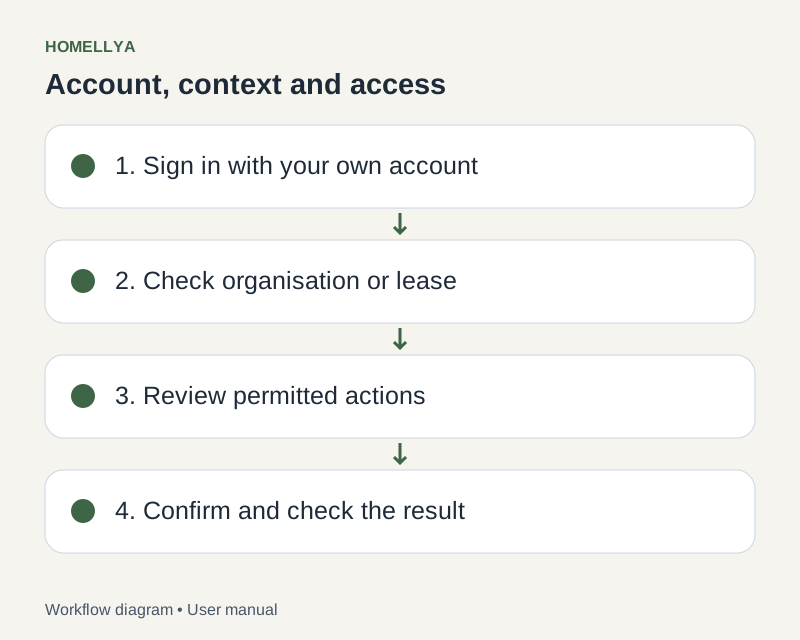
Step by step
Open Subscription and review the active plan, status and displayed quotas.
Compare available offers by features, limits, price and billing period. Do not assume every plan includes every module.
To change plans, follow the summary and requested consents. Payment may open on a hosted page.
After returning from payment, wait for the status refresh and check the actually active plan before repeating an operation.
Review invoices and available cancellation or resumption actions. Read the effective date and stated consequences before confirming.
Check the result
You know the active offer’s permissions and limits, distinct from simply selecting a plan.
If something goes wrong
Payment appears finished but the plan is unchanged? Refresh status, then contact support with the relevant reference, without sharing sensitive banking data.