All users
Update your profile and secure your account
Keep contact details, interface language and security settings up to date.
Where to go : User menu → Profile
Before you start
Keep access to your email and, when needed, your authenticator app.
Available actions depend on your role, plan and the record’s current state. This manual explains how to use the product; legal topics are covered in the resource centre.
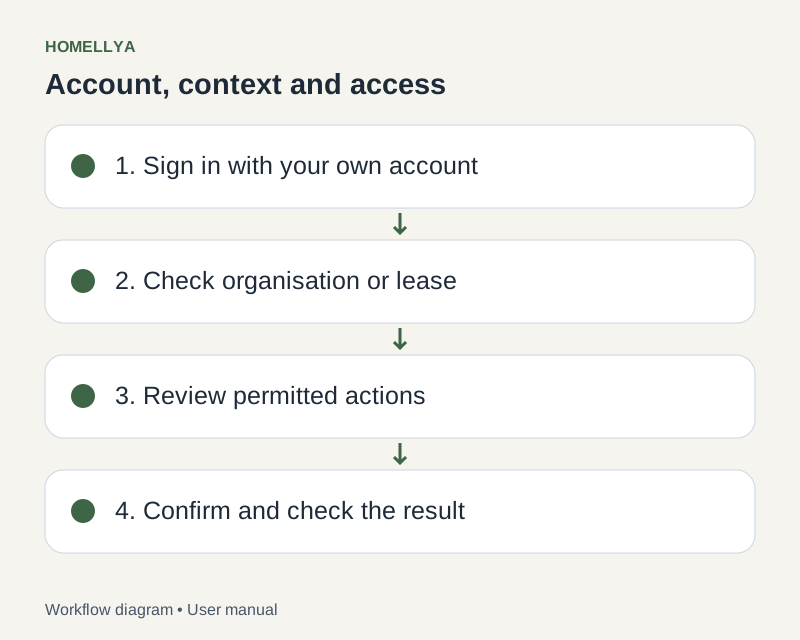
Step by step
Open Profile from the user menu and check the personal details shown.
Update editable fields, choose the interface language and save. An externally linked email may not be editable here.
In Security, change your password if your sign-in method supports it.
To enable two-factor authentication, follow the setup and confirm the requested code. Keep the recovery code somewhere safe.
Set communication preferences and save each changed section. Preferences do not replace checking pending actions.
Check the result
Your profile shows the saved details and your security choices are confirmed.
If something goes wrong
If Google manages your password, change it through Google. If you lose the second factor, use the available recovery process instead of sharing a code.